

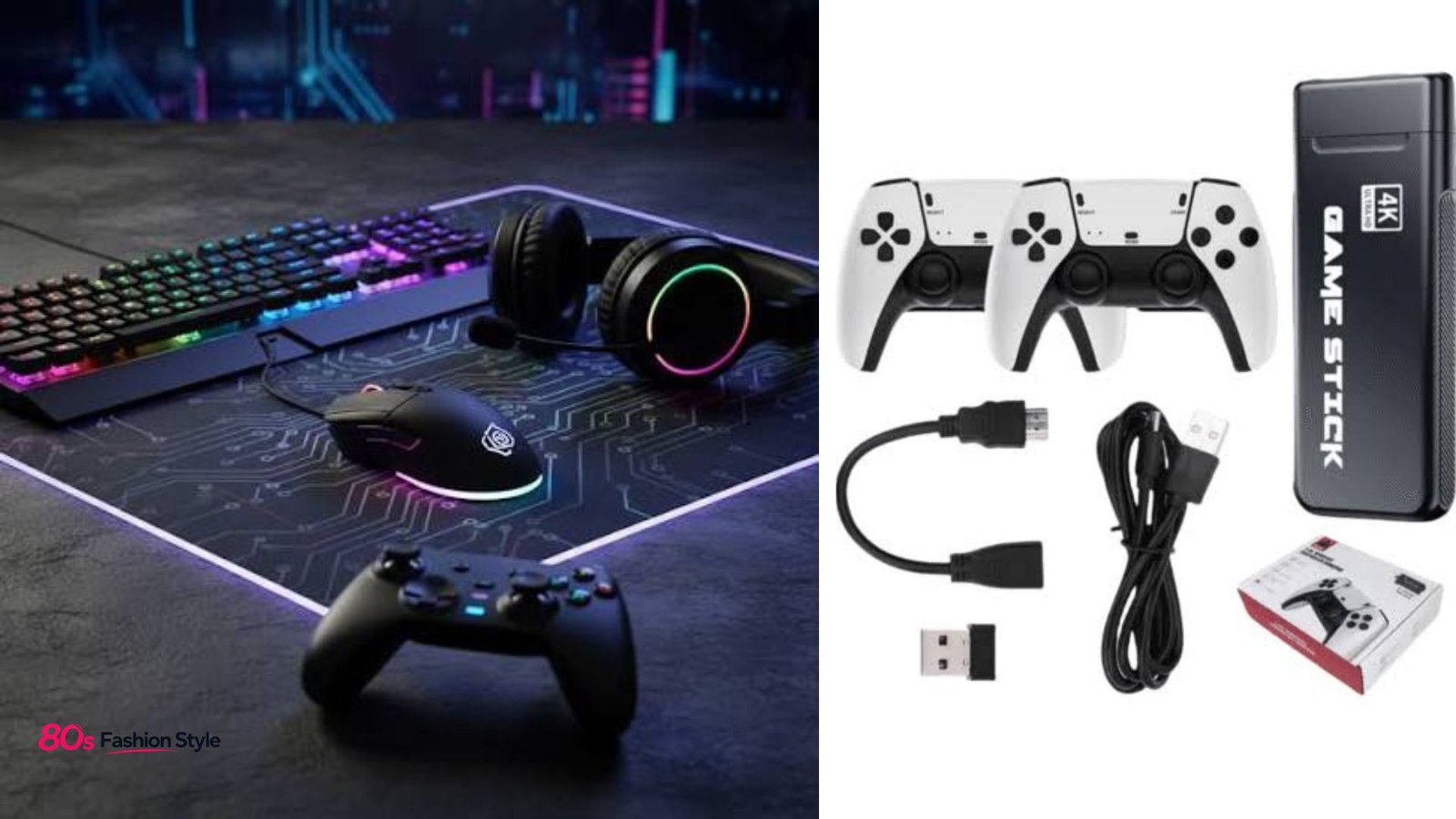
Gaming accessories can make a noticeable difference to how you play, but the best setup is not necessarily the one with the most equipment. A responsive mouse may matter more to a competitive PC player than decorative lighting, while a comfortable headset can be a bigger upgrade for someone who spends hours in multiplayer games. The right choices depend on your platform, favorite genres, budget, and how you actually use your setup.
From keyboards and mice to controllers, headsets, charging docks, storage, and specialist equipment, modern peripherals cover almost every part of the gaming experience.
What Counts as Gaming Accessories?
Gaming accessories are peripherals and supporting equipment designed to improve control, communication, comfort, immersion, or convenience. They can include:
- Mechanical or gaming keyboards
- Gaming mice and mouse pads
- Controllers and specialty controllers
- Headsets, microphones, and speakers
- Charging stations and cable-management products
- External or expansion storage
- Racing wheels, flight sticks, and fight sticks
- Gaming monitors and related desk equipment
The categories vary by platform. PlayStation, for example, offers controllers, gaming audio, storage, cameras, specialty controllers, and chargers, while Xbox lists controllers, mobile and handheld accessories, headsets, storage, displays, networking products, wheels, and assistive technologies.
Gaming Accessories Worth Buying First
Not every peripheral deserves the same priority. Start with equipment that directly affects the way you play.
1. Keyboard and mouse
For PC gaming, a good keyboard and mouse are fundamental. Competitive shooters benefit from a mouse that feels precise and consistent, while strategy and MMO players may appreciate programmable controls. Keyboard choice is more personal: some players prefer mechanical switches for their feel and feedback, while others prioritize quieter operation.
A large, consistent mouse pad is also inexpensive compared with many premium peripherals and gives the mouse more usable space.
2. Controller
A controller makes sense for console gaming and can also be useful on PC, particularly for racing, sports, platforming, and action games.
Look beyond appearance. Consider button layout, stick feel, wired versus wireless connectivity, battery arrangements, compatibility, and whether additional controls are genuinely useful. PlayStation’s current accessory range includes the standard DualSense, DualSense Edge, Access controller, and officially licensed alternatives.
3. Gaming headset
A headset combines game audio and voice communication, making it one of the most practical purchases for multiplayer players. Comfort deserves as much attention as sound quality. A headset that sounds excellent but becomes uncomfortable after an hour is a poor fit for long sessions.
Wireless models offer freedom from cables, while wired headsets avoid charging and can be attractive for straightforward desktop or console setups. Some current PlayStation headsets also offer features such as Bluetooth, dual-device connectivity, quick charging, and noise-rejection microphones.
4. Storage and charging
Storage becomes valuable when a game library grows faster than available internal space. Platform compatibility should be checked carefully before purchasing an expansion drive or card.
Charging accessories are similarly practical. A dedicated dock can keep compatible controllers ready without leaving cables scattered across the desk. Xbox’s accessory range, for example, includes storage expansion cards as well as stands and charging solutions.
Choosing Accessories by Platform
Compatibility should come before aesthetics. A peripheral may work perfectly on one system while offering limited functionality—or no support—on another.
| Platform | Useful priorities | Check before buying |
|---|---|---|
| PC | Mouse, keyboard, headset, microphone | USB/Bluetooth support, software, game compatibility |
| PlayStation | Controller, headset, storage, charging | PS5/PS4 compatibility and supported features |
| Xbox | Controller, headset, storage, charging | Xbox model, Xbox Wireless, PC support |
| Handheld | Case, controller, dock, storage | Device dimensions, ports, power requirements |
Platform manufacturers increasingly offer accessories across several categories. PlayStation’s official range includes PC-ready products alongside PS5-focused equipment, while Xbox provides compatibility filters for different devices and connection methods.
💡 Pro Tip: Before buying a premium wireless peripheral, check how it connects to your exact platform. Bluetooth, a proprietary wireless connection, and a USB receiver can provide very different compatibility and feature support.
What Should You Spend More On?
Spend according to usage rather than marketing claims.
If you play competitive PC shooters every week, putting more of the budget into the mouse, keyboard, and monitor makes sense. A console player who primarily enjoys single-player adventures may get more value from a comfortable headset and an additional controller.
For long sessions, ergonomics should also influence the decision. Look at weight, grip shape, key feel, ear-cup pressure, cable position, and adjustability. Small annoyances become much more noticeable after repeated use.
Avoid buying several expensive peripherals simultaneously just because they belong to the same product ecosystem. Software integration can be convenient, but compatibility with your existing equipment and your actual needs should remain the deciding factors.
Common Buying Mistakes
The biggest mistake is choosing specifications without considering real use.
A long list of buttons does not automatically make a controller better. Extremely high mouse sensitivity settings are not inherently superior. A wireless headset is not automatically better than a wired model, and RGB lighting has little effect on gameplay.
Other common mistakes include:
- Ignoring platform compatibility
- Forgetting desk or storage space
- Buying uncomfortable equipment because of appearance
- Overlooking battery life on wireless devices
- Paying for features that the games you play do not use
- Neglecting warranty and return policies
Gaming accessories should solve a problem or improve a specific part of your setup. If you cannot identify what a product changes for you, it may not deserve a place in the budget.
Build a Setup That Matches Your Games
Different genres reward different equipment. First-person shooters often benefit from precise pointing and clear positional audio. Racing games can become more immersive with dedicated wheels and pedals. Flight simulators may benefit from flight sticks or HOTAS equipment. Fighting games can make specialized fight sticks attractive to players who prefer that control style.
PlayStation currently lists racing wheels, flight sticks, and arcade fighting sticks among its specialty controller categories, illustrating how specialized peripherals can serve particular game types.
📌 Key Takeaway: Buy the peripheral that improves the part of gaming you notice most. Prioritize control, comfort, communication, and compatibility before decorative features or premium specifications.
Frequently Asked Questions
Are gaming accessories worth buying?
Yes, when they address a genuine need. A better mouse can improve PC control, a comfortable headset can make long multiplayer sessions easier, and extra storage can reduce the inconvenience of managing a large game library. The value depends more on usage and compatibility than on price.
What are the most important accessories for PC gaming?
A responsive mouse and comfortable keyboard are the basic priorities for most PC players. A headset is useful for communication and audio, while a large mouse pad can improve consistency. Beyond those essentials, choose equipment according to your preferred genres rather than buying every available peripheral.
Do wireless gaming accessories have a disadvantage?
Wireless devices can add charging requirements and may use different connection methods depending on the product. However, modern wireless peripherals can be highly convenient. Check battery life, connection type, supported platforms, and whether the required receiver or cable is included before purchasing.
Should I buy expensive gaming peripherals?
Only when the additional features provide a meaningful benefit. Premium products can offer better materials, customization, comfort, connectivity, or specialized controls, but a higher price does not guarantee a better experience for every player. Identify your priorities first, then compare products within that category.
Can one accessory work across multiple platforms?
Some can, but support varies considerably. A controller, headset, keyboard, or mouse may support multiple systems while offering different features on each. Always verify compatibility on the manufacturer’s specifications before purchasing, particularly for wireless connections and platform-specific software.
Gaming accessories are most useful when they fit the player rather than simply filling a desk. Start with the controls and equipment you use most, confirm platform compatibility, and spend more only where the improvement will be noticeable. A focused setup can deliver better comfort and functionality than a collection of expensive peripherals chosen for appearance alone.
